Three Correlations That Catch Most Loader Infections
Loaders are built to blend in: a fake installer, a LOLBin hop, quiet persistence, then a clean HTTPS beacon. If you alert on single events, you drown. If you correlate three things, you catch the chain early. Here are three high-signal correlations I use to detect loader infections in real environments, plus practical hunt pivots.

Why loader detection feels impossible
If you alert on “PowerShell execution” you will drown. If you alert on “new domain contacted” you will drown. If you alert on “scheduled task created” you will drown.
Loaders survive because each individual step looks like noise.
The trick is correlation: the chain is rare even if each event is common.
This post is a field diary: three correlations that consistently catch loader infections early, before they become “bigger incidents.”
Correlation 1: Internet-delivered execution → LOLBin hop (within minutes)
What you are looking for
A user runs something from the internet (Downloads, email attachment, browser cache), and within a short window you see:
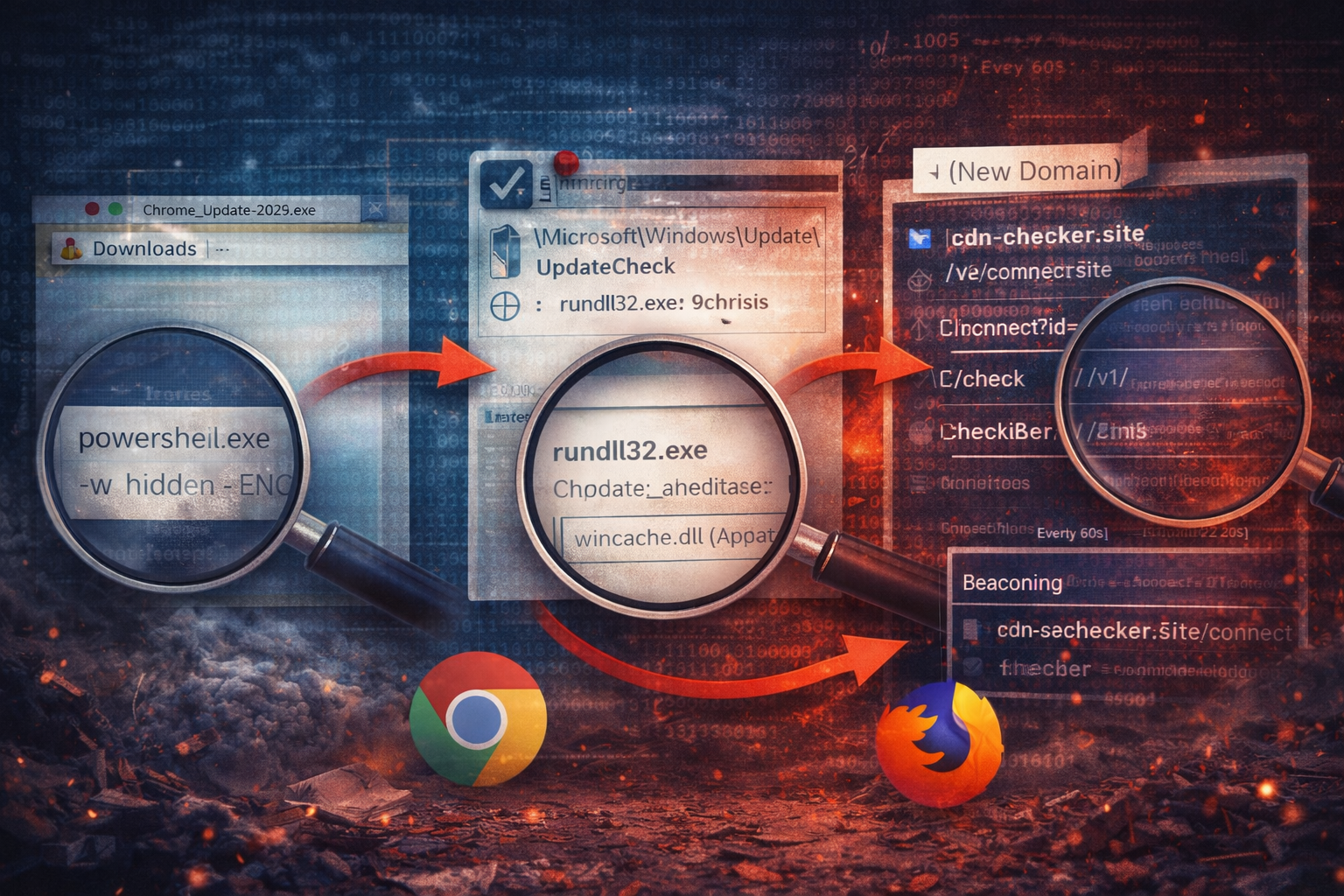
powershell.exe(often hidden/encoded)cmd.exe /cmshta.exewscript.exerundll32.exeregsvr32.exe
This is the classic “bridge” from user-clicked delivery into staged execution.
Why it works
Legitimate software installs happen. But legitimate installs rarely:
- come straight from Downloads,
- immediately spawn hidden PowerShell,
- and then stage further execution.
This is a high-signal pattern when time-bound.
Practical implementation idea
Correlate these within a window (example: 0–10 minutes):
- parent: browser or explorer launching a new executable from user-writable directories
- child: LOLBin execution with suspicious flags (hidden window, encoded, scriptlet style)
What I pivot on next
- the exact command line (especially encoded PowerShell)
- file write events immediately after the LOLBin hop
- whether a DLL appears in Roaming/Temp and then gets executed via rundll32
Correlation 2: New persistence created shortly after suspicious execution
What you are looking for
Within 10–20 minutes of the initial suspicious execution chain:
- a scheduled task is created
- a Run key is set
- a service is installed
- a startup folder entry is dropped
Why it works
Attackers building a loader chain want reliability. Persistence is not optional. It is often established early.
Legitimate software does create scheduled tasks, but the context matters:
- which user created it?
- where does the action point?
- did it show up right after a weird execution chain?
High-signal task characteristics
- task created under a “Windows-ish” folder:
\Microsoft\Windows\Update\...\Microsoft\Windows\Security\...
- task action points to:
C:\Users\...\AppData\...C:\Users\...\Temp\...
- task action uses:
rundll32.exepowershell.exewith hidden/encoded flags
What I pivot on next
- export the task XML (it is the source of truth)
- hash the referenced payload
- hunt for the same task name or action pattern across endpoints
Correlation 3: First-seen domain beaconing + “hinge” process chain
What you are looking for
A host starts contacting a new domain and it looks periodic - but instead of debating telemetry, you correlate it to a hinge event:
- a suspicious process chain (PowerShell/rundll32/mshta)
- a new persistence mechanism
- a new dropped payload
Why it works
New domains alone are noisy. Periodic traffic alone is noisy.
But new domain beaconing immediately after a staged execution chain is much less common, and usually worth action.
What I pivot on next
- URI structure (
/connect,/check,/v1/) - cadence and jitter
- which process owns the connection (if your tooling shows it)
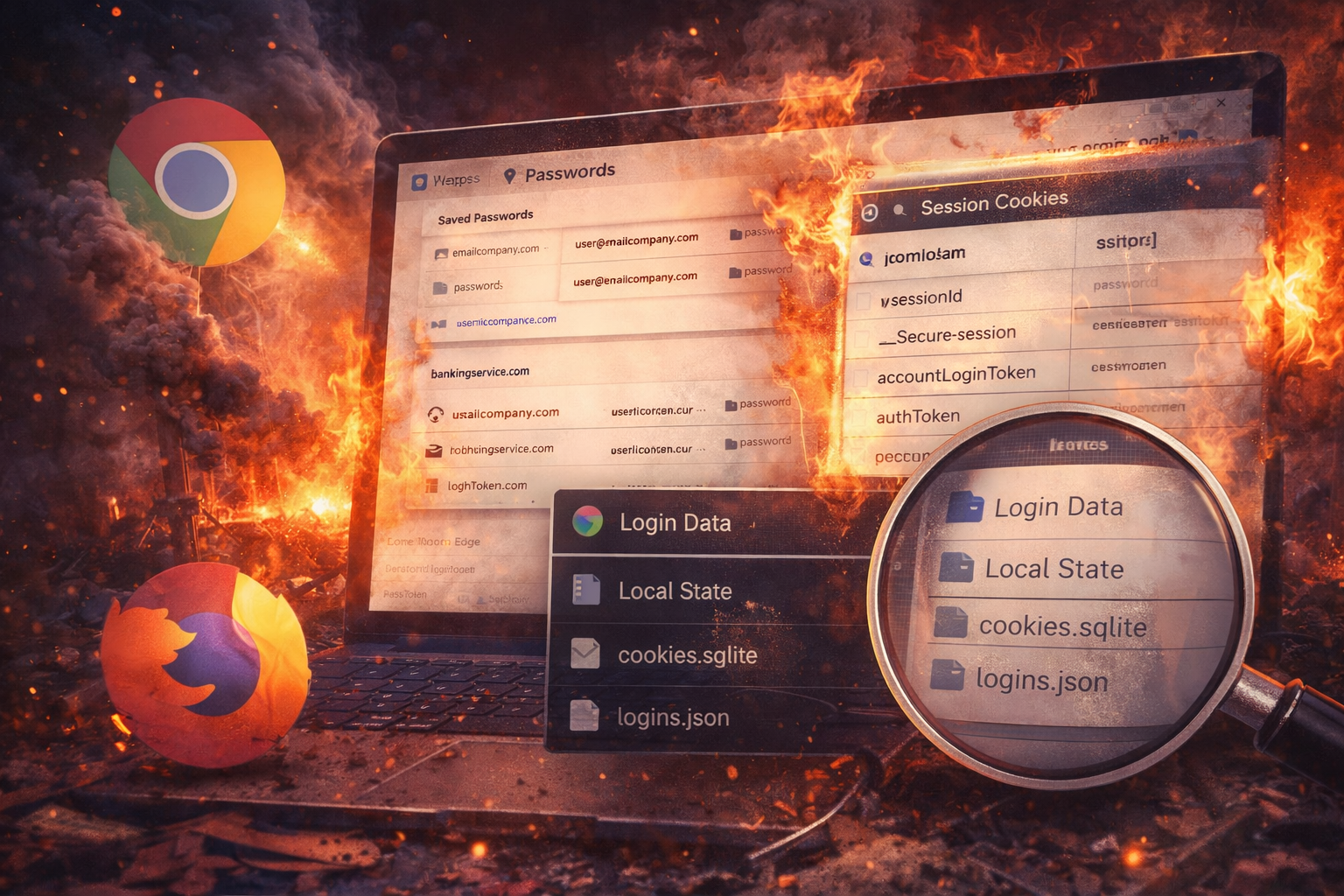
- whether browser credential stores are accessed after beaconing begins
Put together: the “loader triangle”
If you can correlate just three things, you have a powerful detection posture:
1) User execution from the internet
2) Suspicious execution hop (LOLBin / rundll32 / encoded PowerShell)
3) Persistence or beaconing shortly after
The triangle is the story. The individual events are the noise.
A realistic mini story (how this plays out)
- 09:12 user runs
Chrome_Update_2026.exefrom Downloads - 09:12 installer spawns
powershell -w hidden -enc ... - 09:12 new DLL dropped into Roaming
- 09:13 scheduled task created referencing that DLL
- 09:13 periodic outbound HTTPS begins to a new domain
None of those events alone are conclusive. Together, it is almost never benign.
How to reduce false positives
If you implement these correlations, you will still get noise if you don’t tune.
Practical tuning levers:
- require user-writable paths for the payload
- require suspicious flags (
-enc, hidden window, scriptlet patterns) - require recency (new file creation within minutes)
- require new persistence creation within a short window
- focus on first-seen domains contacted soon after execution
The goal is not “catch everything.” The goal is “catch real loader chains early.”
Response workflow when the triangle hits
1) Isolate or restrict egress (depending on environment) 2) Capture: process tree, persistence artifacts (task XML), dropped files 3) Block: domain/URI pattern (through change control) 4) Reset: user credentials if browser artifacts were accessed 5) Scope: hunt for the same persistence + execution patterns across the fleet
Speed matters here. Loader stage is where you can still stop the chain cheaply.
Artifact Annex (field notes)
Telemetry to collect
- Download source and MOTW status
- Full command lines for LOLBins
- Task creation events and task XML
- Network: first-seen domains + URI patterns + cadence
- Browser store access events (if available)
Detection ideas (conceptual)
- Download execution from user paths → encoded PowerShell within 10 min
- Suspicious rundll32 from user profile → scheduled task created within 10 min
- New domain beaconing → correlated to hinge chain within 20 min
Fleet-wide hunts
- same scheduled task naming patterns under
\Microsoft\Windows\... - same DLL path patterns (Roaming/Temp)
- same URI structure and cadence