Remcos Goes Fileless: .NET Assemblies Hidden in Images + CVE-2017-11882
FortiGuard Labs documented a 2026 Remcos campaign abusing remote Word templates, CVE-2017-11882, VBScript/WMI execution, and a fileless chain that reflectively loads a .NET module hidden inside an ‘image’—then process-hollows Remcos into colorcpl.exe. Here’s the defensive take: what matters, what to hunt, and how to break the chain.

Context and why this write-up exists
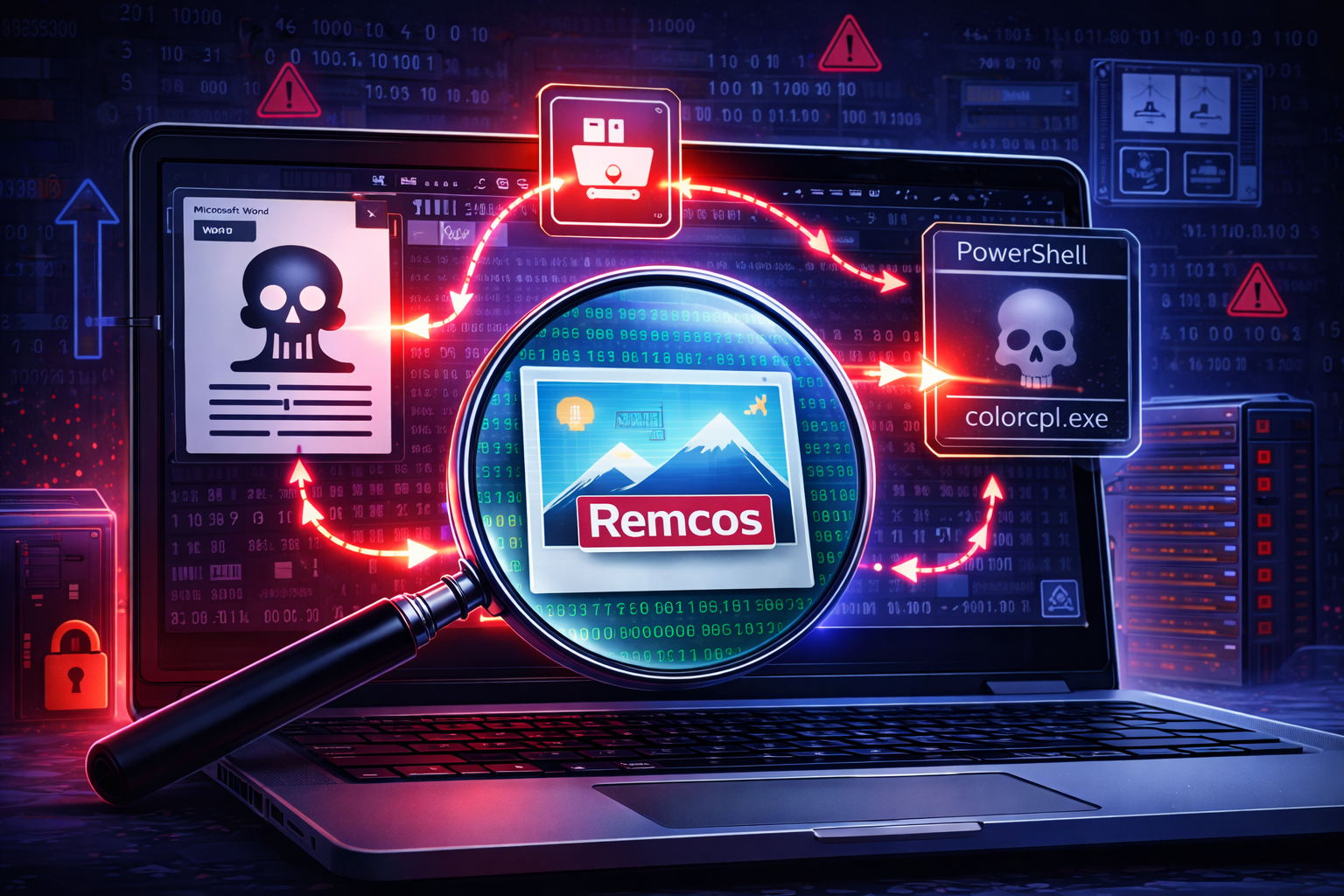
FortiGuard Labs recently published a strong technical teardown of a phishing campaign delivering a fileless Remcos RAT variant using a familiar (and frustratingly persistent) exploit path: remote Word templates leading to CVE-2017-11882 (Equation Editor), followed by VBScript → PowerShell, then in-memory .NET module loading from data hidden inside an “image,” and finally process hollowing into a legitimate Windows binary.
This post is not a rewrite of Fortinet’s analysis. It is a defender-first commentary on what’s important operationally: the choke points, the telemetry that matters, and how to turn this chain into pragmatic detections and response actions. If you are building detections, running hunts, or tuning controls, this is the “what do I do with this?” layer that should sit on top of the excellent FortiGuard report.
Executive summary
What happened (in one breath): A phishing email posing as a Vietnamese shipping company lures victims into opening a Word document, which automatically retrieves a remote RTF template via URL shorteners; the RTF triggers CVE-2017-11882 in EQNEDT32.EXE, dropping/launching a VBScript that WMI-spawns PowerShell; PowerShell downloads an “image” that actually contains Base64-bounded .NET data, reflectively loads a disguised .NET assembly (Microsoft.Win32.TaskScheduler), creates a scheduled task that runs wscript.exe every minute, downloads the Remcos payload (Base64 + reversed string) into memory, and process-hollows it into colorcpl.exe.
Why this matters: This chain combines three defensive pain points:
- Remote template abuse (content is pulled after the doc is opened, defeating static-only scanning).
- Legacy exploit reliability (CVE-2017-11882 remains a top “still works” vector on poorly patched estates).
- Fileless staging + living-off-the-land execution (wscript/powershell/WMI) with in-memory loading and process hollowing, which stresses traditional EDR baselines.
What to hunt first (priority order):
WINWORD.EXE/Office spawning or interacting with EQNEDT32.EXE (Equation Editor) or loading remote templates.wscript.exe/.vbslaunched via scheduled tasks repeating every minute (suspicious persistence profile).- PowerShell command lines containing reflective assembly load behaviors (e.g.,
[Reflection.Assembly]::Load()plus Base64 decode patterns). colorcpl.exe(or other signed Windows binaries) spawned from abnormal parents (PowerShell / WMI / script hosts), indicating potential hollowing.
The infection chain (what matters and why)
1) Initial access: phishing that’s designed to survive “document-only” defenses
FortiGuard’s captured email impersonates a shipping company in Vietnam and pushes a Word attachment framed as an updated shipping document.
Defensive commentary: Shipping/logistics pretexts are evergreen because they create urgency (“invoice,” “bill of lading,” “updated shipment status”) and plausibly target both corporate and operational staff. The important point is not the lure theme—it’s that the attached document is not the full payload; it’s a bootstrapper for pulling malicious content after the user opens it.
If your controls rely heavily on “scan the attachment at rest,” this is where you lose time.
2) Remote template abuse: the document phones home on open
The Word document contains an online attachedTemplate entry in settings.xml.rels, pointing at a short URL (go-shorty[.]killcod3[.]com/...) which ultimately resolves (via another shortener) to a hosted RTF (66[.]179[.]94[.]117/.../w.doc).
Defensive commentary: Remote templates are one of the cleanest ways to:
- Keep the initial attachment “light”
- Rotate payload hosting rapidly
- Use redirection chains to complicate reputation-based blocking
Choke point: This stage gives you a network opportunity. Even if endpoint telemetry is imperfect, proxy/DNS logs can expose Office applications retrieving templates or RTF content from infrastructure that is clearly not enterprise-standard (new domains, URL shorteners, suspicious IP-hosted paths).
3) Exploitation: CVE-2017-11882 (Equation Editor) still delivering value—eight years later
The remote template is an RTF containing malformed equation data triggering CVE-2017-11882 in EQNEDT32.EXE, enabling code execution.
This vulnerability has been extensively documented since 2017 (including public notes that Equation Editor runs as an out-of-process COM server eqnedt32.exe).
Defensive commentary: When you see 2017-era exploits in 2026 campaigns, it rarely means the attacker is behind the times; it usually means the attacker understands their target environment. This is a “patch hygiene tax” on organizations with:
- Legacy Office installs
- Incomplete patch coverage on endpoints
- Long-tail unmanaged devices
The campaign’s continued success is a reminder: your estate is only as patched as your least managed segment. Microsoft’s own security updates referencing CVE-2017-11882 date back to Nov 2017 for Office versions (e.g., Office 2016 update documentation).
4) Staging: VBScript as a simple, reliable trampoline
The exploit stage downloads a VBScript (.vbe/.vbs) to %AppData% and executes it via ShellExecuteW.
Fortinet shows the VBScript is lightly obfuscated and contains Base64-encoded PowerShell, executed via WMI (Win32_Process).
Defensive commentary: VBScript is not “fancy,” which is exactly why it appears here:
- It is dependable across Windows versions
- It integrates cleanly with WMI process creation (quiet execution)
- It’s often under-monitored compared to PowerShell
Choke point: If you can’t outright disable Windows Script Host (WSH), at least enforce:
- Script host logging
- Command line capture
- Child process controls (ASR rules / EDR policies)
5) The key trick: .NET assembly hidden in an “image” and reflectively loaded in PowerShell
Fortinet documents PowerShell downloading idliya[.]com/assets/optimized_MSI.png, which actually contains JPEG data and has a Base64 payload appended between markers BaseStart- and -BaseEnd. The script then decodes and loads it via [Reflection.Assembly]::Load() and calls a method VAI() with many parameters.
Defensive commentary: This is the portion that deserves the most attention because it’s the most repeatable detection opportunity. You have three strong signals:
- PowerShell reflective assembly load (
Assembly::Load) - Non-image semantics in an “image” fetch (content-type mismatches are common here)
- Marker-based payload framing (
BaseStart/BaseEndstyle delimiters)
If you are building detection content, this is where you can be most durable across variants.
6) The .NET module is doing two jobs: persistence + loader
Fortinet identifies the assembly name as Microsoft.Win32.TaskScheduler (disguised to look legitimate) and notes similar modules have been seen across multiple malware families (including DrakCloud and Agent Tesla).
It then:
- Creates a scheduled task (example name
"5V3EBWmhxc") and configures it via Task Scheduler APIs - Sets it to run every minute
- Executes:
wscript.exe C:\Users\Public\Downloads\eOTJ0Dniy5.vbs - Copies the earlier VBS into
C:\Users\Public\Downloads\...before task creation
Defensive commentary: The “every minute” repetition is noisy in a good way. It is uncommon for legitimate software to schedule wscript.exe every 60 seconds from a public downloads directory.
High-confidence detection idea: Task Scheduler events + process creation where:
- Task action includes
wscript.exe - Script path under
C:\Users\Public\Downloads\ - Trigger repetition is 1 minute
- Task name is random-ish (short alphanumeric)
Even if the actor changes filenames, the shape of this persistence is suspicious.
7) Fileless payload retrieval and process hollowing into colorcpl.exe
Fortinet shows the VAI parameters include a reverse-ordered Base64 string which decodes to a URL hosting the Remcos payload (idliya[.]com/arquivo_20251130221101.txt). The file remains in memory, is decoded, and then injected into a newly created colorcpl.exe process via process hollowing.
Defensive commentary: Two key points for defenders:
- The payload never lands as a normal PE on disk (traditional AV file scanning gets less to work with).
- The actor chooses a signed Windows binary (
colorcpl.exe) as the “host” process, aiming to blend into trust assumptions.
Hunt heuristic: colorcpl.exe is not among the most common daily-driver processes for most users. Alert on:
colorcpl.exestarted bypowershell.exe,wscript.exe,wmiprvse.exe, ortaskeng.execolorcpl.exeexhibiting network connections shortly after launch- Memory anomalies (hollowing indicators) if your EDR exposes them
8) Remcos capability set: this is full interactive compromise
Fortinet notes the Remcos variant is 7.0.4 Pro (released Sept 10, 2025 per their static analysis) and outlines the configuration block stored in the SETTINGS resource with 57 configuration values, including C2 216.9.224.26:51010:1 and feature flags for screen logging, keylogging, camera/mic capture, and data collection.
They also describe packet structure starting with a magic value 0xff0424, then size, command ID, and encrypted data (when TLS is enabled), and mention 211 command IDs across major categories (system, surveillance, network, comms, extra, agent management).
Defensive commentary: At this point you are no longer in “commodity annoyance” territory. Remcos provides the operator interactive control, credential harvesting, surveillance, and tooling to expand footholds. Treat it as a full incident.
MITRE ATT&CK mapping
This campaign cleanly maps to a set of ATT&CK techniques that you can operationalize:
- T1566.001 Phishing: Attachment (malicious Word doc)
- T1204.002 User Execution: Malicious File
- T1221 Template Injection (remote template retrieval)
- T1203 Exploitation for Client Execution (Equation Editor RCE)
- T1059.005 Command and Scripting Interpreter: VBScript
- T1047 WMI (process creation)
- T1059.001 PowerShell
- T1027 Obfuscated/Compressed Information (Base64 + reverse order)
- T1620 Reflective Code Loading (
Assembly::Load) - T1053.005 Scheduled Task
- T1055 Process Injection (process hollowing)
- T1105 Ingress Tool Transfer (payload retrieval)
- T1071 Application Layer Protocol (C2 over TCP/TLS, per configuration flag)
Use this list to ensure your detection coverage is not “one alert deep.” The actor is giving you multiple opportunities to catch them—provided you are logging and correlating.
Detection engineering: what to alert on (and what to correlate)
A) High-signal process lineage patterns
Prioritize these chains:
WINWORD.EXE→EQNEDT32.EXE(Equation Editor)EQNEDT32.EXE→wscript.exe/.vbsexecutionwscript.exe/ WMI →powershell.exe(hidden/no-profile)powershell.exe→ unusual childcolorcpl.exe
Even if you miss network IOCs, lineage often remains visible.
B) “Reflective .NET load” as a durable behavioral signature
Fortinet explicitly calls out [Reflection.Assembly]::Load() and FromBase64String patterns being useful for detection engineering, especially when paired with outbound connections to non-RFC1918 addresses.
Why this works: Legitimate enterprise PowerShell rarely reflectively loads arbitrary assemblies fetched from the internet. When it does happen, it is usually tied to known internal tooling with stable provenance, not ad-hoc image downloads from new domains.
C) Scheduled task persistence “shape”
Alert on scheduled tasks that meet any of these:
- Action contains
wscript.exeorcscript.exe - Script located in
C:\Users\Public\Downloads\or user-writable temp locations - Trigger repetition ≤ 5 minutes (Fortinet shows 1 minute)
This persistence is both noisy and easy to explain to stakeholders, which matters when you need rapid response approval.
D) Process hollowing telemetry
Depending on your EDR, you may have:
- Hollowing-specific detections
- Memory section anomalies
- Unsigned/unbacked memory execution signals
If not, emulate it with “cheap signals”:
- Signed Windows binary launched (e.g.,
colorcpl.exe) and immediately makes outbound network connections - Parent/child relationship is abnormal
- The process path is correct, but behavior is not (networking + suspicious threads)
Fortinet’s report is clear that colorcpl.exe is created by the .NET module running inside PowerShell.
Response playbook: break the chain fast
1) Containment priorities
If you see any mid-chain indicators (remote template hits, Equation Editor execution, wscript scheduled tasks), prioritize:
- Isolate host (network containment)
- Kill script hosts (wscript/cscript) and suspicious PowerShell sessions
- Disable scheduled task and capture its XML before deletion (for evidence)
- Acquire memory if possible (fileless payload is in memory)
2) Eradication notes
- Remove scheduled task(s) and the referenced
.vbsinC:\Users\Public\Downloads\ - Check for additional tasks created via WMI or other persistence mechanisms (Fortinet recommends monitoring tasks and WMI-created tasks).
- Validate that Office and Windows are patched against CVE-2017-11882 across all endpoints.
3) Recovery and hardening
- Disable or constrain legacy components and scripting where feasible (WSH)
- Apply ASR rules that block Office child process creation and block credential theft patterns (where appropriate)
- Restrict outbound traffic from endpoints that should not reach the internet directly
- Reduce exposure to URL shorteners from Office applications (proxy policy where possible)
Practical IOCs from Fortinet (useful, but don’t over-trust)
Below are the key IOCs Fortinet published. Treat these as starting points, not the finish line—this actor can rotate infrastructure quickly.
URLs (defanged)
hxxp://66[.]179[.]94[.]117/157/w/w.dochxxp://66[.]179[.]94[.]117/157/fsf090g90dfg090asdfxcv0sdf09sdf90200002f0sf0df09f0s9f0sdf0sf00ds.vbehxxps://idliya[.]com/assets/optimized_MSI.pnghxxps://idliya[.]com/arquivo_20251130221101.txt
SHA-256 (samples)
- Word doc:
7798059D678BCA13EEEEBB44A8DB3588E4AA287701AEDE94B094B18F33B58F84 - RTF (
w.doc):A35DD25CD31E4A7CCA528DBFFF37B5CDBB4076AAC28B83FD4DA397027402BADD - VBScript:
E915CE8F7271902FA7D270717A5C08E57014528F19C92266F7B192793D40972F - Remcos payload (memory-dumped):
94CA3BEEB0DFD3F02FE14DE2E6FB0D26E29BEB426AEE911422B08465AFBD2FAA
The uncomfortable lesson: 2017 exploit paths are still paying rent
It is worth saying plainly: CVE-2017-11882 is not a mystery vulnerability. It is widely documented, has been exploited for years, and has had mitigation guidance available since 2017.
Yet Fortinet is documenting it in a 2026 campaign because:
- Attackers keep finding soft targets
- Estates remain unevenly patched
- Legacy Office components persist in real environments longer than teams expect
If you want a single “board-level” takeaway from this campaign, it is this: patch governance gaps are still enabling full remote compromise using decade-old techniques.
Closing thoughts: turn this into durable detections
Fortinet’s report provides everything you need to build both IOC-based and behavior-based coverage. The way to get durable value is to focus on technique combinations, not single strings:
- Remote template retrieval plus Equation Editor execution
- VBScript/WMI process creation plus hidden/no-profile PowerShell
- PowerShell reflective assembly load plus outbound connections
- Scheduled tasks running
wscript.exeevery minute plus public downloads path colorcpl.exewith abnormal parent plus network activity
If you implement only one improvement from this write-up, make it correlation across these steps. The attacker is betting that your telemetry is siloed and your alerts are isolated. This chain gives defenders multiple chances to win—if you connect the dots.
Primary reference
FortiGuard Labs: “New Remcos Campaign Distributed Through Fake Shipping Document” (Xiaopeng Zhang, Jan 14 2026).