New Domain ≠ Malicious: The Signals That Matter
A domain being ‘new’ to your environment is a weak signal on its own—sometimes useful, often misleading. This post breaks down why defenders overvalue ‘new domain’ alerts, what signals actually separate malicious infrastructure from normal SaaS/telemetry noise, and a practical triage checklist that doesn’t rely on vibes.

The alert that starts arguments
If you have ever worked SOC or DFIR, you have seen this:
- A host reaches out to a domain that is first-seen in the environment.
- A rule triggers: “New domain contacted.”
- Someone says: “That’s malicious.”
- Someone else says: “That’s just telemetry.”
And everybody wastes time arguing the wrong thing.
A domain being “new” is not evidence of compromise. It is an attention mechanism. Sometimes that attention is useful. Often it becomes a distraction.
The real question is not “Is it new?” The real question is: Does the behavior around it look like software, or like an intrusion?
Why “new domain” feels so convincing (and why it misleads)
Humans love simple heuristics. “New” feels like “suspicious.”
But modern enterprise reality breaks that assumption:
- SaaS providers spin up new subdomains constantly
- CDNs and telemetry endpoints change daily
- vendors rotate infrastructure
- browser and app ecosystems contact new domains all the time
If you treat every first-seen domain as malicious, you will:
- burn analysts out
- generate endless false positives
- train the SOC to ignore genuinely useful signals
Attackers want exactly that: defenders numbed by noise.
What “new domain” is actually good for
Used correctly, new domain alerts can still be valuable. They are good for:
- spotting change (new software deployment, misconfiguration, new vendor)
- finding emergent threats (fresh infrastructure is common in campaigns)
- anchoring correlation (new domain + other suspicious behaviors is powerful)
The key is that “new domain” should rarely be the conclusion. It should be a pivot.
The signals that matter more than “new”
Here are the signals I trust more than first-seen status.
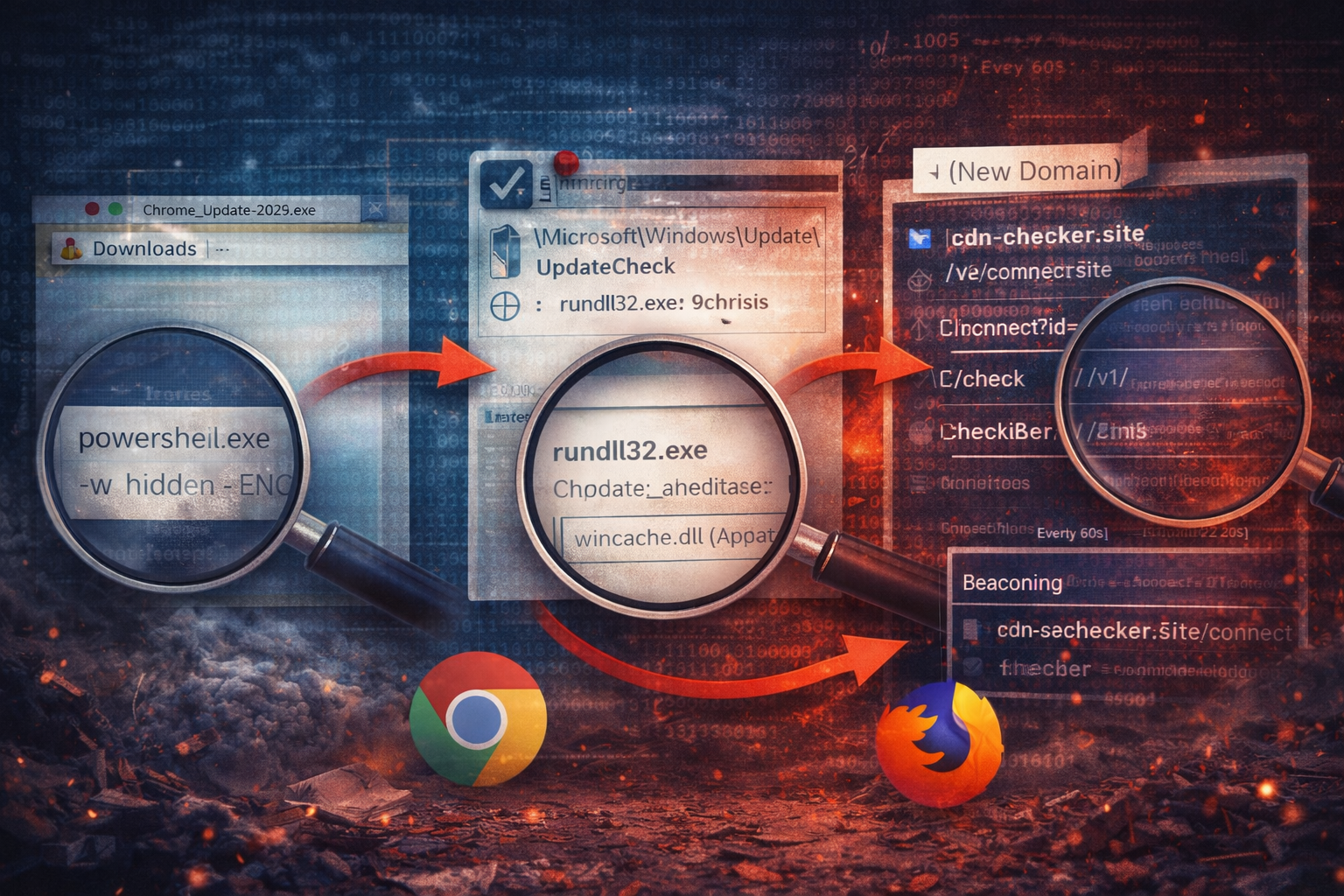
1) Correlation to a hinge event
If the domain appears immediately after:
- a new download execution (Downloads/Temp)
- encoded PowerShell or LOLBin execution
- new persistence creation (task, run key, service)
…then you are no longer debating “maybe telemetry.” You are looking at a chain.
New domain + no host context = weak. New domain + suspicious execution chain = strong.
2) Request shape (URI structure and intent)
Many malicious C2 endpoints are surprisingly “generic”:
/connect/check/sync/v1//api/
That doesn’t prove anything on its own, but it becomes meaningful when paired with:
- opaque identifiers (
id=,sid=, base64-like tokens) - repeatable, short endpoints used consistently
- lack of vendor/product context
A real vendor API often has:
- predictable naming
- product identifiers
- more descriptive endpoint structures
- known patterns you can match to documentation or prior baselines
3) Timing and cadence
Attackers love periodicity because it simplifies operator workflows. Telemetry also has periodicity because software is chatty.
So you look for cadence + independence from user behavior:
- does it fire at the same interval while the user is idle?
- does it continue through logoff/reboot?
- does it have small jitter (55–75 seconds instead of exactly 60)?
Cadence is not a verdict. It is a signal.
4) Who owns the connection (process correlation)
If your tooling can map network activity back to a process, it’s huge.
A first-seen domain contacted by:
chrome.exe,msedge.exemight be normalrundll32.exe,powershell.exe,cmd.exe,mshta.exeis rarely normal
Not impossible. But rare enough to triage fast.
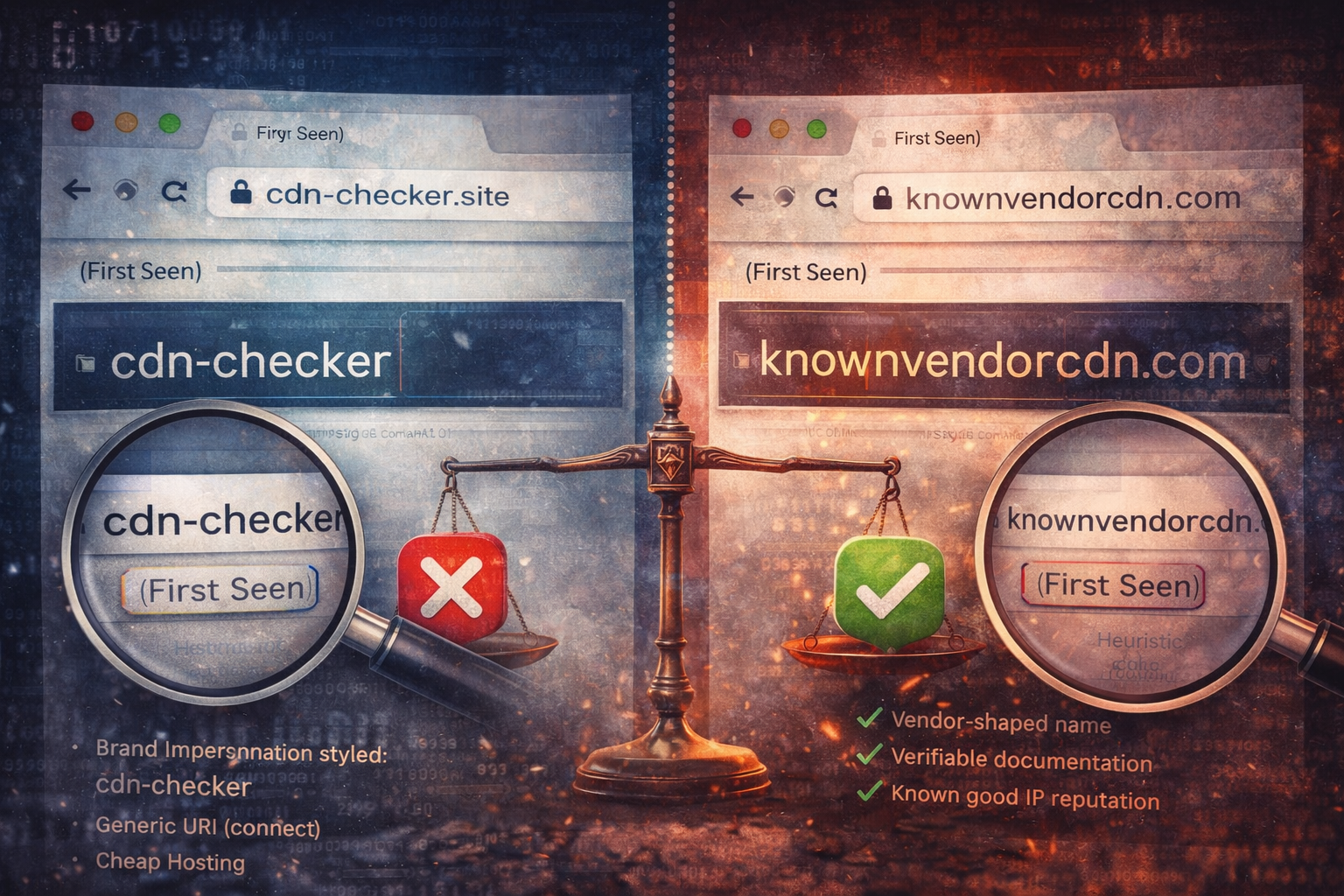
5) Infrastructure “shape” (not just reputation)
Reputation checks help, but they can mislead. Instead of relying purely on “bad score,” look at shape:
- is the domain brand-impersonation styled? (
cdn-checker,update-verify, etc.) - is it hosted on cheap infrastructure with frequent IP churn?
- does it share TLS certificate fingerprints with other suspicious hosts?
- does it live behind a generic “CDN” façade but behave like a check-in endpoint?
A domain can be “clean” on reputation and still be malicious if it is fresh.
A practical triage workflow (that avoids the argument)
When a “new domain contacted” alert fires, do this:
Step 1: Establish context window
Pull +/- 20 minutes around first contact:
- process executions
- downloads
- persistence creation
- DNS queries and proxy traffic
If nothing suspicious occurs near the first contact, the domain is likely benign or unrelated.
Step 2: Identify the owner process (if possible)
If the network flow is owned by:
- browser + known vendor paths → likely telemetry
- LOLBins / unusual binaries → treat as suspicious
Step 3: Inspect the request pattern
- stable endpoint and regular check-ins?
- opaque identifiers?
- consistent small replies?
Step 4: Decide and document
Make a call:
- likely benign telemetry
- likely malicious beaconing
- indeterminate (needs more data)
Then write a single line on what evidence would move confidence.
This prevents endless debate and makes your work reviewable.
Case snippet: two “new domains” that look the same on paper
Domain A: benign
- appears during a new software rollout
- contacted by signed vendor updater from Program Files
- endpoints match vendor documentation
- traffic spikes after login and changes with user activity
Domain B: malicious
- appears minutes after a fake update execution from Downloads
- contacted by
rundll32.exevia a scheduled task - URI
/connect?id=<opaque>repeats every ~60 seconds - small, consistent server responses
Both are “new.” Only one is a problem.
The real takeaway
“New domain” is not a conclusion. It is a prompt to correlate.
If your SOC can operationalize correlation—host events + network shape—you turn a noisy alert into a high-signal detector.
And you stop burning time on the wrong argument.
Artifact Annex (field notes)
What to collect
- first contact timestamp
- full URI path + query string
- cadence (rough interval + jitter)
- response sizes (if available)
- process owner (if available)
- host events within +/- 20 minutes (downloads, LOLBins, persistence)
High-signal combos
- first-seen domain + scheduled task creation
- first-seen domain +
rundll32or encoded PowerShell - first-seen domain + browser credential store access after beaconing begins
Detection idea
- alert on first-seen domain where the owner process is a LOLBin or unsigned binary in user-writable path